
Tap to Pay
Learn how to enable Tap to Pay in the Stax Pay mobile app so you can accept in-person payments without an external card reader.
Currently Tap to Pay is in Beta Release. If you would like to participate, please reach out to your Account Manager.
Enable Tap to Pay in the Stax Pay mobile app so you can accept in-person payments without connecting an external card reader. After setup, Tap to Pay becomes available in customer payment flows, letting customers tap a card or phone directly on your device to complete the payment.
Configuration
Enable Tap to Pay by Default
Follow these steps to set Tap to Pay as a payment method:
-
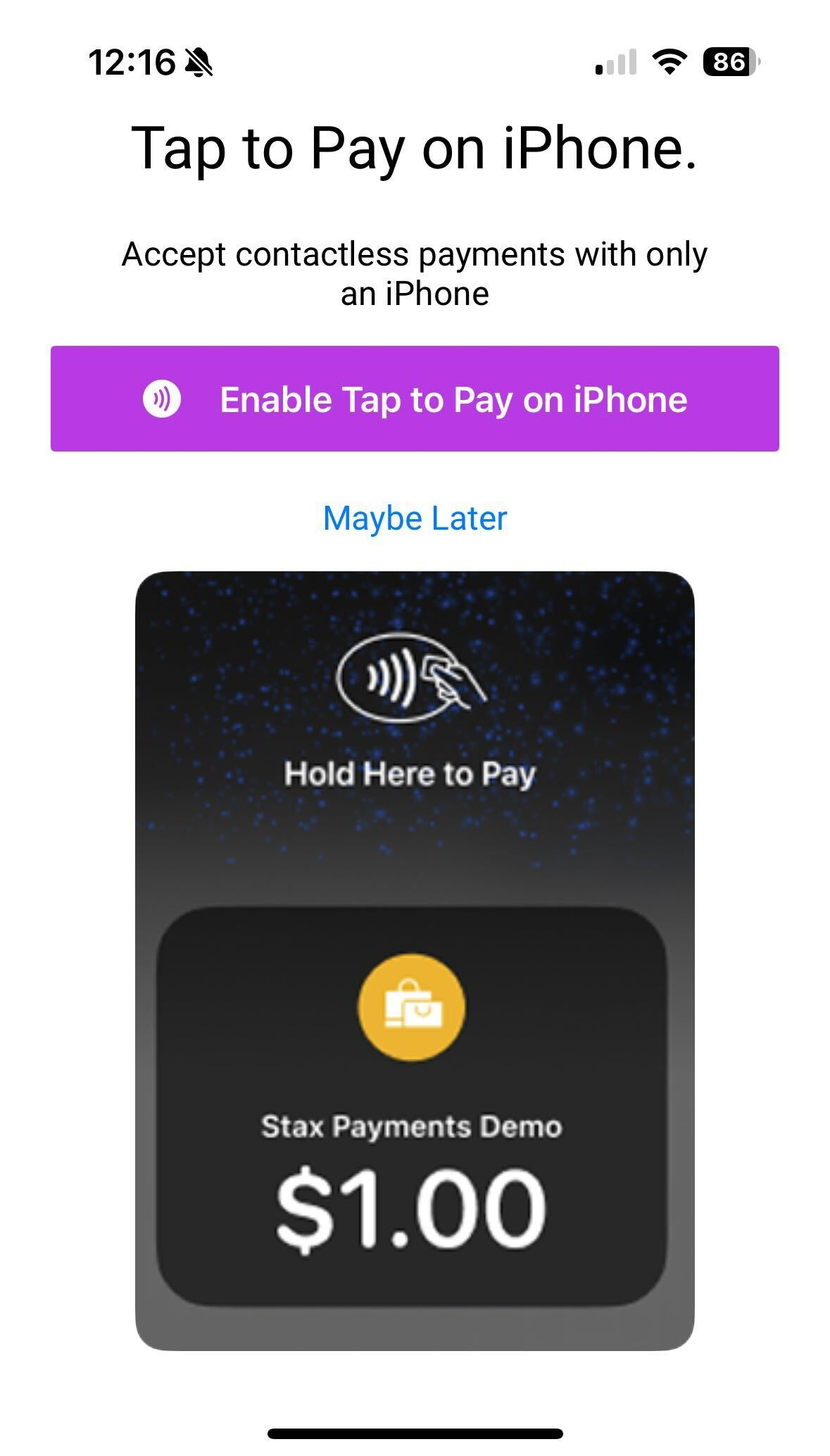
In the Stax Pay mobile app, navigate to accept a payment.
-
Click Enable Tap to Pay on iPhone. You only need to enable once. Future transactions will have the Tap to Pay option available at the top of the option page.
Selecting other payment settings
You can easily select other payment options, such as a terminal, mobile reader, existing payment methods or you can key in a new payment method.
Important Limitations
Account Provisioning Required
If the Enable Tap to Pay option is not visible, you will need to reach out to Customer Success to have them provision your account.
Hardware/Software Limitations
You will need an iOS device with NFC capabilities. Currently this includes iPhone 6 and newer devices. iPads do not support NFC.
Related Payment Solutions

In Person Payments
Stax offers a wide variety of online payment options that allows for customers to easily interact and make payments.
Updated about 1 month ago