
Modify the Business Information on Invoices and Receipts
Occasionally, company information like business address, email, or business phone number displayed on your business’s invoices or receipts may need to be updated.
-
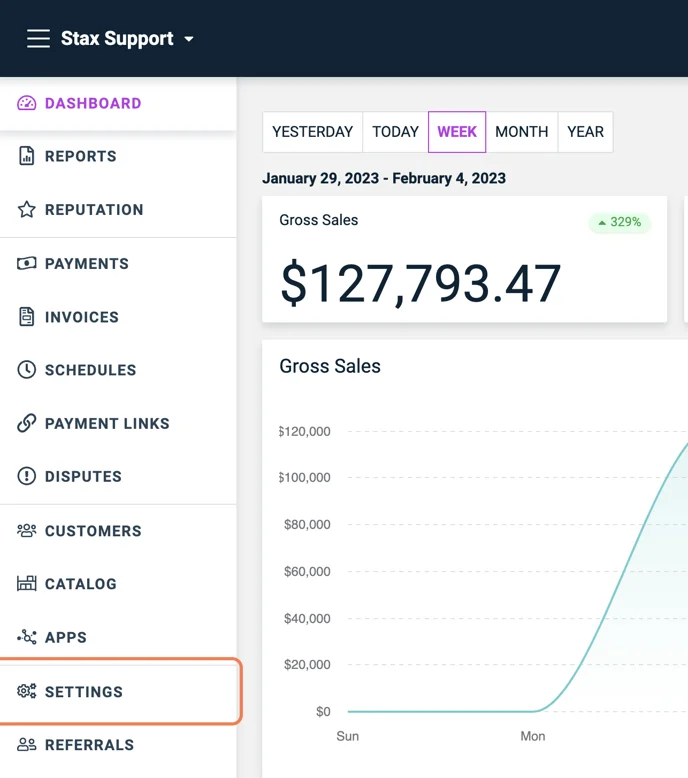
Go to your Invoice Settings located in Settings.
-
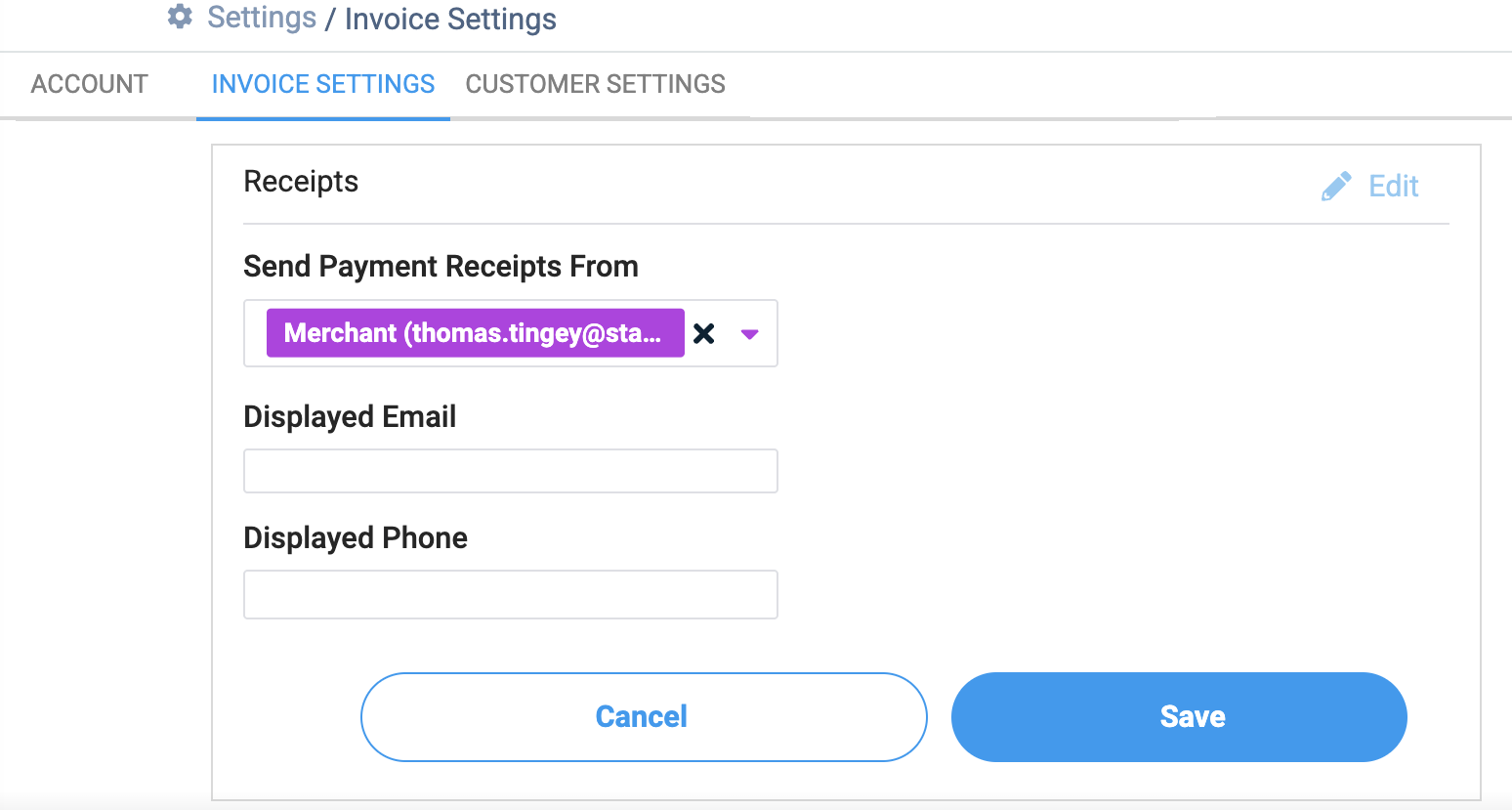
Select Edit and update the applicable information.
-
You can change the email or phone number displayed to the customer on the receipt by entering a Displayed Email or Phone number.
-
Once the changes are made, click Save.
Note
If you are using a terminal and would like to update the address, phone number, or other company information, you can update the information from a terminal level, but you will also need to contact Support to update the back-end file to ensure all of your information is up to date for our records.
Until the back-end file is updated, the new information you have provided may not be reflected in your receipts.
Updated about 1 month ago